Introduction
WhatsApp online status is one of the platform’s most commonly discussed features. People often want to know whether a contact is currently using WhatsApp, when they were last active, or why their online information is no longer visible. At the same time, searches for “WhatsApp online tracker” have become popular because many websites and applications claim to monitor a contact’s activity.
However, there is an important difference between using WhatsApp’s built-in online and last-seen features and using third-party services that claim to secretly track another person’s activity. WhatsApp provides privacy controls that allow users to decide who can see when they are online and when they were last seen.
This complete 2026 guide explains what WhatsApp online status means, how to check it through legitimate features, how privacy settings affect visibility, why third-party tracker services can be risky, and how to protect your own WhatsApp account.
What Is a WhatsApp Online Tracker?
A WhatsApp online tracker generally refers to a tool, application, or service that claims to monitor when a WhatsApp account is online or offline.
However, users should understand that not every service using the term “WhatsApp tracker” is official or trustworthy. WhatsApp itself provides an Online indicator and Last Seen privacy settings. These built-in features are the safest way to understand a contact’s availability when that information is visible to you.
WhatsApp’s official guidance explains that users can control online visibility through Settings > Privacy > Last seen and online. The available controls include options such as Everyone and Same as last seen, with additional control over who can see last-seen information.
What Does WhatsApp Online Status Mean?
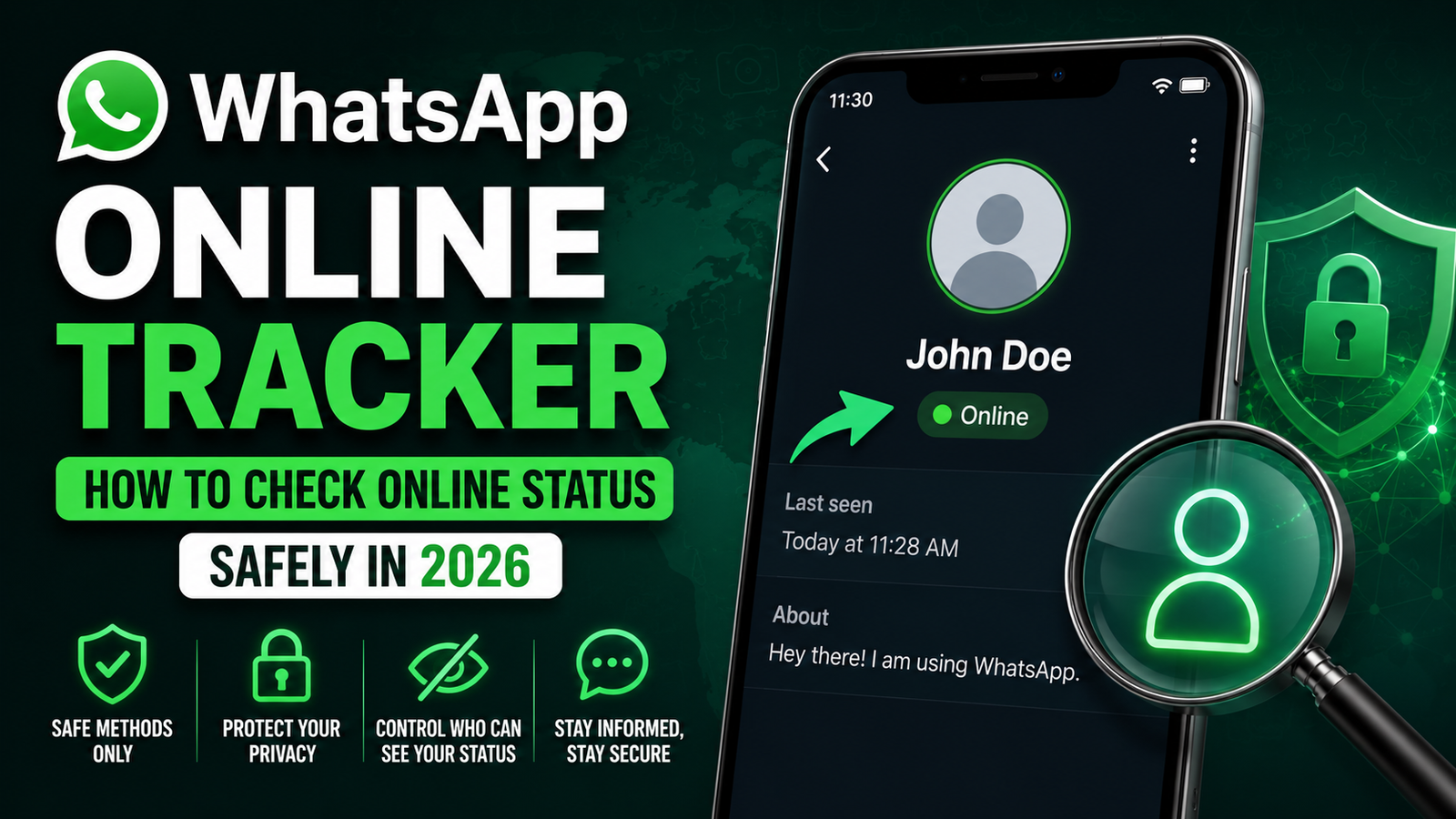
When WhatsApp shows a contact as online, it generally means that WhatsApp is open and connected to the internet on that person’s device.
Being online does not necessarily mean that the person has read your message, is looking at your conversation, or is actively communicating with another person. Online status simply indicates activity within WhatsApp at that time.
This distinction is important because an online indicator should not be interpreted as proof of what someone is doing inside the application.
What Is WhatsApp Last Seen?
Last Seen is different from the live online indicator. It refers to the most recent time WhatsApp recorded the person as active, subject to that person’s privacy settings.
A contact may choose to restrict who can see their last-seen information. If they have changed their privacy settings, you may not see the information even if the account is active.
WhatsApp’s own published guidance confirms that users can choose who can see their last seen and separately control who can see when they are online.
How to Check WhatsApp Online Status Safely
The safest method is to use WhatsApp’s own application rather than a third-party tracker.
Open WhatsApp
Open the official WhatsApp application on your Android phone, iPhone, or supported desktop device.
Open the Contact’s Chat
Find the person in your WhatsApp chat list and open the conversation.
Check the Status Under Their Name
If their privacy settings allow you to see their online presence and they are currently active, WhatsApp may display an online indicator beneath their name.
If they are not currently online, WhatsApp may show their last-seen information when that information is available to you.
Respect Privacy Settings
If you cannot see online or last-seen information, do not automatically assume that something is wrong. The person may have changed their privacy settings, or the information may simply not be available to you.
The safest approach is to respect the privacy controls provided by WhatsApp.
How to Check Your Own WhatsApp Online Privacy
If you want to control who can see your online status, WhatsApp provides built-in privacy options.
Go to:
WhatsApp → Settings → Privacy → Last Seen and Online
From there, you can configure who can see your last-seen information and who can see when you are online. WhatsApp’s official tutorial describes options including Everyone, Nobody, and contact-specific controls for last seen, while the online setting includes Everyone or Same as last seen.
The exact interface can vary slightly depending on your device and current WhatsApp version.
Features Related to WhatsApp Online Activity
WhatsApp’s privacy and activity features provide several useful controls.
- Online status visibility.
- Last-seen visibility.
- Contact-based privacy controls.
- Profile privacy settings.
- Read receipt controls.
- Block and report options.
- Privacy Checkup tools.
- Two-step verification.
- App and chat security features.
- Linked-device management.
These features are designed to give users more control over how their information is shared.
Benefits of Using WhatsApp’s Built-In Online Status
Using WhatsApp’s own features instead of unofficial tracker applications has several advantages.
- No additional tracker application is required.
- You avoid giving account information to unknown services.
- You can control your own online visibility.
- The feature is integrated directly into WhatsApp.
- You can manage privacy settings from the app.
- There is less risk of installing malicious software.
- You can communicate without relying on questionable third-party databases.
Why Third-Party WhatsApp Tracker Apps Can Be Risky
Many websites and applications advertise themselves as WhatsApp online trackers. Some claim they can monitor a person’s online activity continuously or provide information that WhatsApp itself does not display.
Users should be very careful with these services.
A third-party app that requests excessive permissions, WhatsApp login information, verification codes, or other sensitive data can create significant security risks.
Some services may also make unrealistic promises about bypassing WhatsApp privacy controls. A privacy feature is designed to restrict visibility, so a service claiming that it can secretly bypass those controls should be treated with extreme caution.
Warning Signs of a Fake WhatsApp Tracker
Before installing any application or visiting an online tracking service, look for warning signs.
- It asks for your WhatsApp verification code.
- It requests your account password.
- It asks you to scan an unknown QR code.
- It requires unnecessary permissions.
- It promises hidden online status tracking.
- It claims to bypass WhatsApp privacy settings.
- It asks you to install an unknown APK.
- It requires payment before showing basic information.
- It redirects you through suspicious advertisements.
- It asks you to disable phone security features.
- It promises complete private chat monitoring.
These are strong reasons to avoid the service.
How to Protect Your WhatsApp Account
Account security should be a priority, especially when dealing with applications that claim to offer additional WhatsApp tracking features.
Follow these safety practices:
- Never share your WhatsApp verification code.
- Enable two-step verification.
- Keep WhatsApp updated.
- Download WhatsApp only from trusted app stores.
- Review linked devices regularly.
- Remove unknown linked devices.
- Avoid unofficial modified WhatsApp applications.
- Do not scan unknown QR codes.
- Avoid suspicious WhatsApp links.
- Use a secure screen lock on your phone.
- Review privacy settings regularly.
WhatsApp’s security ecosystem includes privacy controls and additional account-protection features, while current security developments have also emphasized stronger protections for users facing sophisticated attacks.
Why You May Not See Someone’s Online Status
There are several legitimate reasons why an online indicator may not be visible.
- The person changed their privacy settings.
- Their last-seen visibility is restricted.
- Their online visibility is restricted.
- Your own privacy settings affect visibility.
- The contact is not currently online.
- There may be a temporary connection issue.
- The WhatsApp application may need an update.
- The contact may have blocked you, although lack of online information alone does not prove this.
It is important not to assume a specific reason without additional evidence.
WhatsApp Online Tracker and Privacy
Privacy is one of the most important considerations when discussing online tracking.
WhatsApp gives users control over who can see their online and last-seen information. This means that users should not attempt to bypass another person’s privacy settings through unauthorized tools.
A responsible approach is to use the information WhatsApp makes available to you and respect the settings chosen by other users.
The same principle should apply to your own account. If you do not want other people to monitor your online presence, review the Last Seen and Online settings and choose the privacy level that suits you.
Additional Ways to Improve WhatsApp Privacy
Online status is only one part of WhatsApp privacy. You can improve your overall account security by reviewing several other settings.
- Limit profile-photo visibility.
- Control who can add you to groups.
- Review Status privacy.
- Enable two-step verification.
- Use disappearing messages when appropriate.
- Lock sensitive chats where supported.
- Review linked devices.
- Block suspicious contacts.
- Report spam accounts.
- Keep your application updated.
These settings can reduce unnecessary exposure and help you maintain better control over your account.
WhatsApp Online Status for Parents and Families
Parents and family members may sometimes search for WhatsApp tracking tools because they want to understand a child’s online activity.
However, secretly installing tracking applications can create privacy and security problems. A better approach is to use transparent family-device rules, built-in device safety tools, and age-appropriate parental controls where available.
The goal should be to create a safer digital environment rather than secretly collecting someone’s private account information.
Alternatives to WhatsApp Online Tracker
- WhatsApp Built-In Online Status – The safest option for viewing online information that WhatsApp makes available according to privacy settings.
- WhatsApp Last Seen – Shows recent activity when the contact’s privacy settings allow it.
- WhatsApp Privacy Settings – Lets users control who can see their online and last-seen information.
- WhatsApp Privacy Checkup – Helps users review important privacy controls.
- WhatsApp Linked Devices – Allows you to review devices connected to your own WhatsApp account.
Tips for Safe WhatsApp Monitoring
If you are researching online activity for legitimate reasons, keep the process simple and privacy-friendly.
- Use WhatsApp’s official features first.
- Never ask for someone else’s verification code.
- Avoid unofficial tracking applications.
- Don’t attempt to bypass privacy settings.
- Verify apps before installing them.
- Check application permissions.
- Keep your phone updated.
- Use two-step verification.
- Review your linked devices.
- Report suspicious services when appropriate.
Common Mistakes to Avoid
Several mistakes can put your WhatsApp account and personal information at risk.
- Installing modified WhatsApp versions.
- Using unknown online tracker websites.
- Entering your phone number and verification code into suspicious forms.
- Sharing screenshots containing private information.
- Clicking unknown tracking links.
- Trusting claims of guaranteed hidden-status tracking.
- Giving an unknown application accessibility permissions.
- Ignoring unusual account notifications.
- Leaving unknown devices linked to your WhatsApp account.
Avoiding these mistakes can significantly improve your digital security.
Conclusion
A WhatsApp online tracker may sound like a convenient way to monitor online activity, but the safest approach in 2026 is to rely on WhatsApp’s own online and last-seen features. These built-in tools provide information according to each user’s privacy settings without requiring you to hand over sensitive account information to an unknown third party.
If a contact’s online status is unavailable, there may be a legitimate privacy or account-related reason. Instead of trying to bypass those controls, respect the person’s settings and use WhatsApp’s official features.
For your own protection, enable two-step verification, review linked devices, keep WhatsApp updated, and avoid applications that promise secret monitoring or privacy bypasses. A secure WhatsApp experience is based on using official features and respecting the privacy of everyone involved.
Disclaimer
This article is provided for educational and informational purposes only. It does not encourage unauthorized monitoring, privacy bypassing, account access, or surveillance of another person. Always use WhatsApp’s official features and respect other users’ privacy settings and applicable laws.