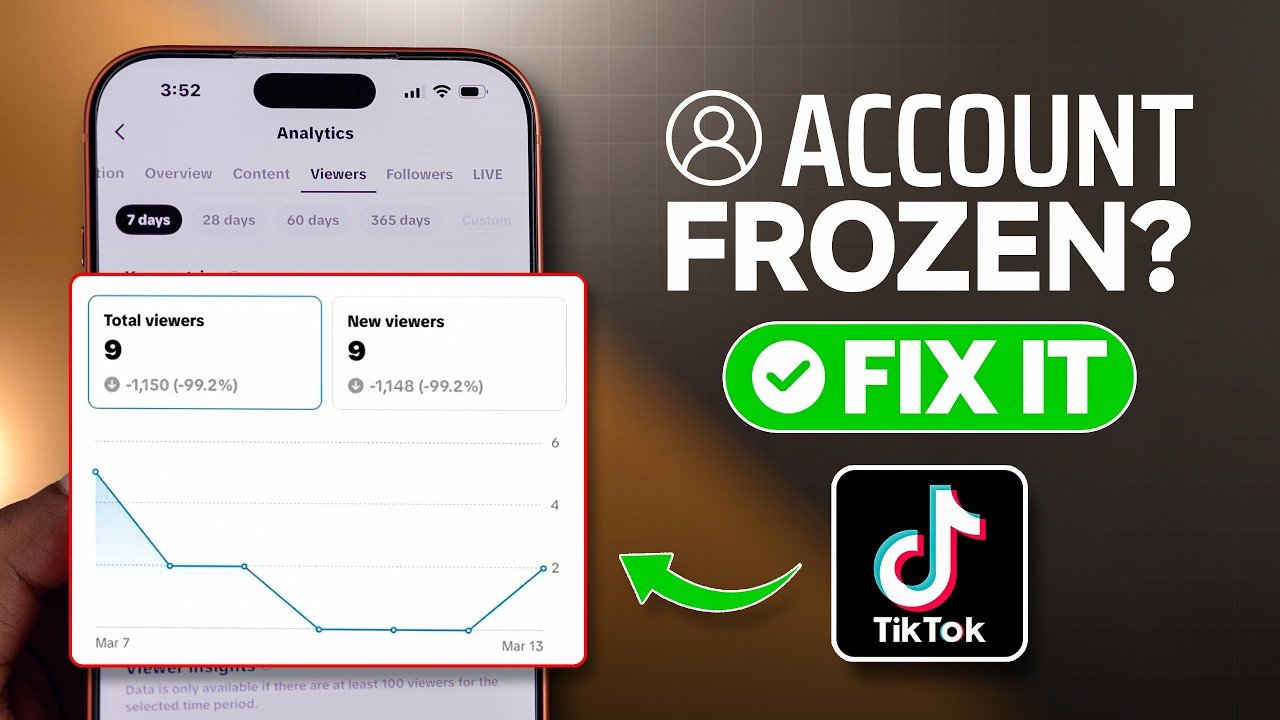
Has your TikTok account suddenly been restricted, frozen, or stopped working normally? If you cannot post videos, send messages, comment, follow accounts, or access certain features, your account may have received a temporary restriction.
The good news is that many TikTok account restrictions can be resolved by identifying the reason, removing problematic activity, and following TikTok’s official appeal process.
In this guide, we’ll explain how to unfreeze a TikTok account, why accounts may become restricted, what to do if your account is temporarily suspended, and how to avoid similar problems in the future.
What Does a Frozen TikTok Account Mean?
A frozen or restricted TikTok account usually means that TikTok has limited one or more account features.
Depending on the situation, you may be unable to:
- Post new videos
- Comment on videos
- Send direct messages
- Follow or unfollow accounts
- Like content
- Use certain account features
- Access your account normally
A restriction can be temporary, or it can require an appeal if TikTok believes there has been a serious or repeated violation.
Why Does TikTok Freeze Accounts?
TikTok may restrict accounts for different reasons.
Community Guidelines Violations
Content that violates TikTok’s Community Guidelines can result in content removal, warnings, restrictions, or other enforcement actions.
Examples may include:
- Harmful content
- Harassment
- Spam
- Dangerous activities
- Misleading behavior
- Copyright violations
- Other prohibited content
Unusual Account Activity
Sudden or unusual activity can sometimes trigger security or anti-spam systems.
For example, repeatedly following and unfollowing large numbers of accounts in a short period may look suspicious.
Excessive Automated Activity
Using unauthorized automation tools, bots, or third-party services to manipulate account activity can put an account at risk.
Multiple Policy Violations
Repeated violations can lead to stronger restrictions than a single minor violation.
Step 1: Check Your TikTok Account Status
Before trying random methods to unfreeze your account, first determine what actually happened.
Open TikTok and look for any notification explaining the restriction.
Check:
- Notifications
- Account status
- Removed content notices
- Community Guidelines notifications
- Login messages
- Appeal options
The message from TikTok can help you understand whether the problem is related to content, security, or another account issue.
Step 2: Stop Suspicious Activity
If your account has suddenly become restricted, avoid repeatedly performing the same actions that may have triggered the restriction.
For example, temporarily avoid:
- Rapid following
- Rapid unfollowing
- Repeated comments
- Mass liking
- Automated activity
- Third-party growth tools
Give the account time to return to normal if the restriction is temporary.
Step 3: Check Your Internet Connection
Sometimes TikTok problems are caused by connectivity rather than an account restriction.
Try switching between:
- Wi-Fi
- Mobile data
You can also restart your router or reconnect to your mobile network.
If other apps work normally but TikTok shows an account-specific restriction message, the problem is more likely related to your account.
Step 4: Update TikTok
Using an outdated version of TikTok can sometimes cause technical problems.
Open your device’s official app store and check whether an update is available.
After updating, restart TikTok and check whether the restriction remains.
Step 5: Clear TikTok Cache
Temporary cached data can occasionally cause application problems.
On Android, you can generally find the option through:
Settings → Apps → TikTok → Storage → Clear Cache
The exact menu may vary depending on your phone.
Avoid clearing application data unless you understand that it may sign you out or remove locally stored information.
Step 6: Restart Your Phone
A simple restart can resolve temporary application or network problems.
Turn your phone off, wait a few seconds, and turn it back on.
Then open TikTok and check your account again.
Step 7: Check Whether Your Content Was Removed
If you recently uploaded a video and received a violation notice, review the reason provided by TikTok.
Don’t immediately upload the same content again.
If you believe TikTok made a mistake, use the available appeal option instead.
Step 8: Submit an Appeal
If TikTok provides an appeal option, use the official process.
When submitting an appeal:
- Explain the problem clearly.
- State that you believe the restriction was applied incorrectly if that is the case.
- Provide relevant information requested by TikTok.
- Keep your explanation short and respectful.
- Avoid submitting repeated appeals unnecessarily.
Do not provide false information or attempt to bypass an enforcement action with another account.
Step 9: Secure Your TikTok Account
If you think your account may have been compromised, take security steps immediately.
Change your password and review your account’s security settings.
Also check for:
- Unknown logged-in devices
- Unrecognized email addresses
- Unfamiliar phone numbers
- Suspicious third-party connections
- Unexpected profile changes
Enabling additional security features available on your account can also help protect it.
How Long Does a TikTok Account Restriction Last?
There is no single duration for every TikTok restriction.
The timeframe can depend on:
- Type of violation
- Account history
- Security issue
- Feature being restricted
- TikTok’s enforcement decision
Some temporary restrictions may disappear after a period of time, while more serious account actions may require an appeal.
Can You Unfreeze a Permanently Banned TikTok Account?
If TikTok permanently bans an account, there is no legitimate trick or secret code that guarantees recovery.
The appropriate approach is to use TikTok’s official appeal process if an appeal is available.
Avoid websites or services claiming they can instantly “unban” your account for a guaranteed fee.
These services may be scams or may request sensitive account information.
What Not to Do When Your Account Is Frozen
Avoid trying to bypass TikTok’s enforcement systems.
Don’t Use Fake Unban Services
Be suspicious of anyone promising guaranteed account recovery.
Don’t Share Your Password
TikTok support or legitimate security processes should not require you to give your password to an unknown person.
Don’t Use Bots
Automation tools can create additional account problems.
Don’t Spam Appeals
Submitting many identical appeals is unlikely to improve the situation.
Don’t Create Multiple Accounts to Evade Restrictions
Trying to circumvent enforcement can potentially create additional problems.
How to Prevent Your TikTok Account From Being Frozen
Prevention is easier than dealing with an account restriction.
Follow TikTok’s Rules
Read and follow the platform’s current Community Guidelines.
Avoid Spam-Like Behavior
Don’t rapidly follow, unfollow, comment, or like large numbers of accounts.
Be Careful With Copyrighted Content
Only upload content you have the right to use.
Avoid Third-Party Growth Services
Services promising guaranteed followers, likes, or views can put your account at risk.
Keep Your Account Secure
Use a strong password and available security features.
Keep TikTok Updated
Install updates through your device’s official app store.
Frequently Asked Questions
How do I unfreeze my TikTok account?
First check the notification explaining the restriction. Stop suspicious activity, update TikTok, check your account security, and use TikTok’s official appeal process if an appeal is available.
Why is my TikTok account temporarily restricted?
Possible reasons include Community Guidelines violations, unusual activity, spam-like behavior, security concerns, or repeated policy violations.
How long does a TikTok freeze last?
There is no universal timeframe. The duration depends on the type and reason for the restriction.
Can I unfreeze TikTok without contacting support?
Some temporary restrictions may disappear automatically after the restriction period. If TikTok provides an appeal option, using the official appeal process is the safest approach.
Can a VPN unfreeze TikTok?
A VPN is not a legitimate method for removing an account restriction. Changing your network location does not remove a TikTok enforcement action.
Can I use an app to unfreeze my TikTok account?
Be cautious of apps or websites claiming to automatically unfreeze accounts. They may request your login information or attempt to compromise your account.
What should I do if I think my TikTok account was hacked?
Secure the account immediately by changing your password, reviewing logged-in devices and account information, and using TikTok’s official account-recovery and security options.
Final Thoughts
If your TikTok account is frozen or restricted, don’t panic and don’t rely on so-called TikTok unfreeze tools or paid recovery services.
Start by identifying the reason for the restriction. Stop unusual activity, check your account security, update the app, and review any violation notifications. If you believe the restriction was incorrect, use TikTok’s official appeal process.
The best way to keep your account active is to follow TikTok’s current rules, avoid spam and unauthorized automation, respect copyright, and keep your account secure.
Disclaimer
This article is for informational purposes only. TikTok’s features, policies, enforcement systems, and appeal procedures may change over time. We do not guarantee that any method will restore a restricted or banned account. Always use TikTok’s official support and appeal channels for account-related issues.